Creating and maintaining an up-to-date and optimized Google My Business (GMB) profile is one of the best ways to ensure your business's digital presence. This instructional guide will teach you how to maximize your visibility and connect effectively with your customers. If you don't already have a Google My Business profile, you can... Create your company profile here..
1. Complete All Profile Information
Make sure to fill in all the essential information on your profile. Let's use a fictional coffee shop called "Café Aromas" as an example:
- Address: Include accurate details so customers can easily find your location. Make sure the address is correctly entered in the format accepted by Google Maps.
- Business Hours: Always update whenever there are changes, such as holidays or new seasonal schedules.
- Business Description: Write a clear and engaging description that highlights the key differentiators of "Café Aromas".
- Category: Choose the category that best suits your business (for example, "Coffee Shop").
2. Use High-Quality Photos
Add attractive photos to create a good first impression. For example, "Café Aromas" could include:
- Photos of the Exterior and Interior: Show customers what the establishment looks like inside and out.
- Products and Services: Photograph your products in high resolution to attract customers.
- Team: Introduce your team to humanize your business and create a more personal connection.


3. Respond to Customer Reviews
Interacting with reviews shows that you care about your customers. Here's how:
- Thank the compliments: If a customer compliments the quality of the coffee and the friendly service, respond by thanking them for the feedback.
- Solve Problems: For negative reviews, respond professionally, offering solutions or explanations.
4. Publish Updates Regularly
Keeping your audience informed is essential. Publish updates about:
- News: Share news about "Café Aromas".
- Special offers: Advertise promotions and discounts to attract more customers.
- Events: Advertise events that will be happening at your establishment.
5. Use the Questions and Answers section.
Create a frequently asked questions section to answer common questions. In the case of "Café Aromas," include:
- Common questions: Anticipate questions like "Do you have vegan options?" or "What are the peak hours?".
- Direct Interaction: Quickly answer new questions asked by users.
6. Monitor and Analyze Performance
Use the statistics provided by GMB to monitor how customers are interacting with your profile:
- Views: Track how many times your profile is viewed.
- Interactions: Analyze how customers interact with your profile.
- Settings: Make data-driven adjustments to improve your profile's performance.
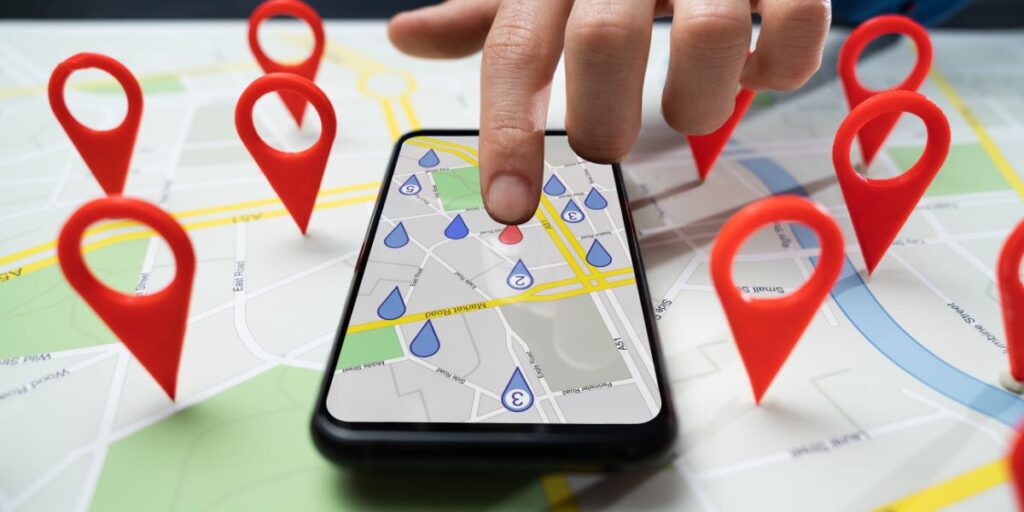
7. Verify your business to appear on Google Maps.
To ensure your business appears on Google Maps, it's essential to verify your Google My Business profile. Follow these steps:
- Access your Google My Business profile: Log in to your account and access your business profile.
- Click on “Check Now”: In the GMB dashboard, click the "Verify Now" option.
- Choose Verification Method: Google offers several verification options, such as postcard, phone, email, or instant (if available).
- Complete the Verification Process: Follow the instructions provided by Google to complete the verification.
Conclusion
By following these steps, you can ensure your Google My Business profile is always optimized and attractive to customers. With complete information, quality photos, active engagement with reviews, and frequent updates, your business will be well-positioned to attract and retain customers. Utilize all available tools to maximize your visibility and engagement, and watch your business grow in the digital age.
If you haven't started yet, don't waste any time! Create or optimize your Google My Business profile here. and verify that your business appears on Google Maps.
Contact us To receive professional help and optimize your results with Google!